Skip to content

Your whole day, on one page.

Lifestack keeps your time, habits, notes, money and meals in one calm place. Today puts them together, so you can see how the day is going without opening five apps.

Nothing to install. Signing up doesn’t ask for payment details.

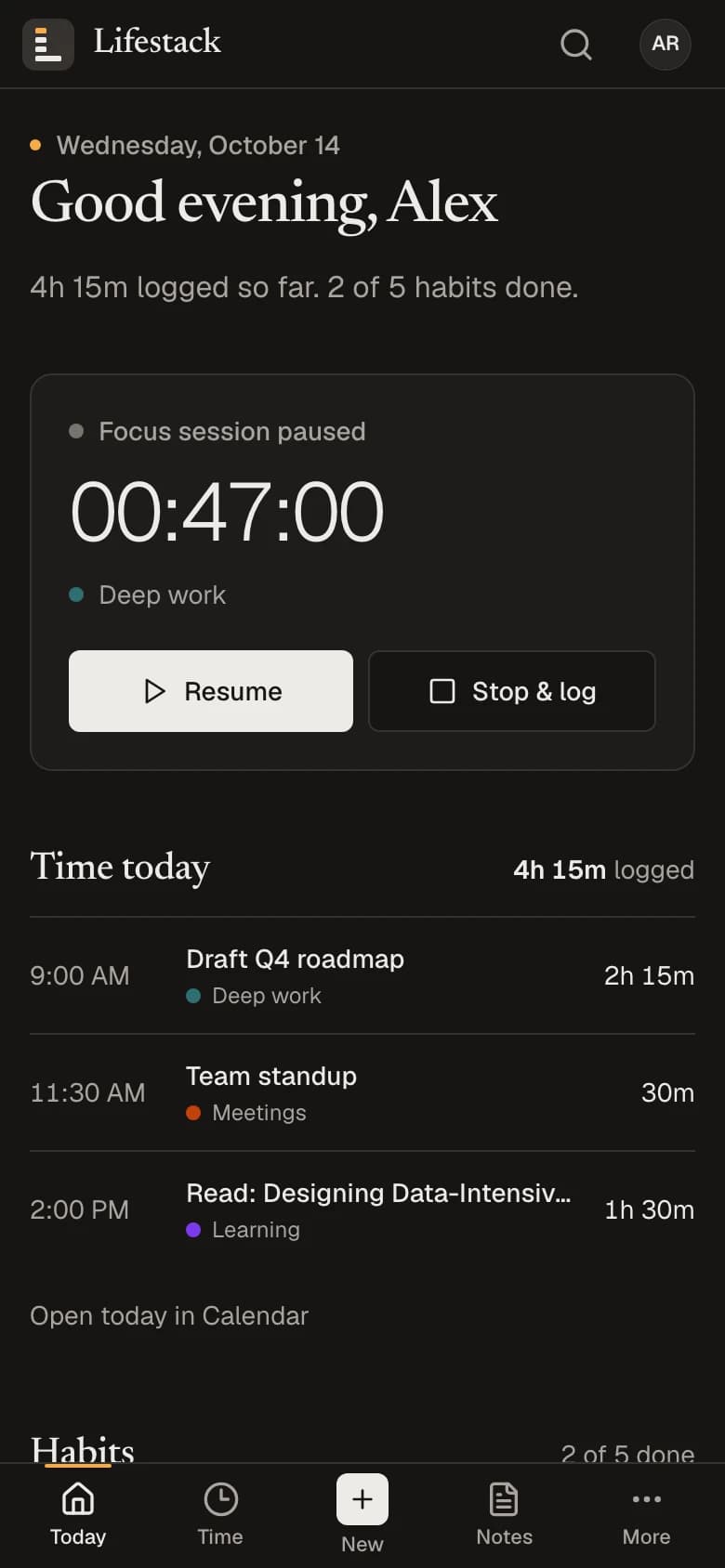
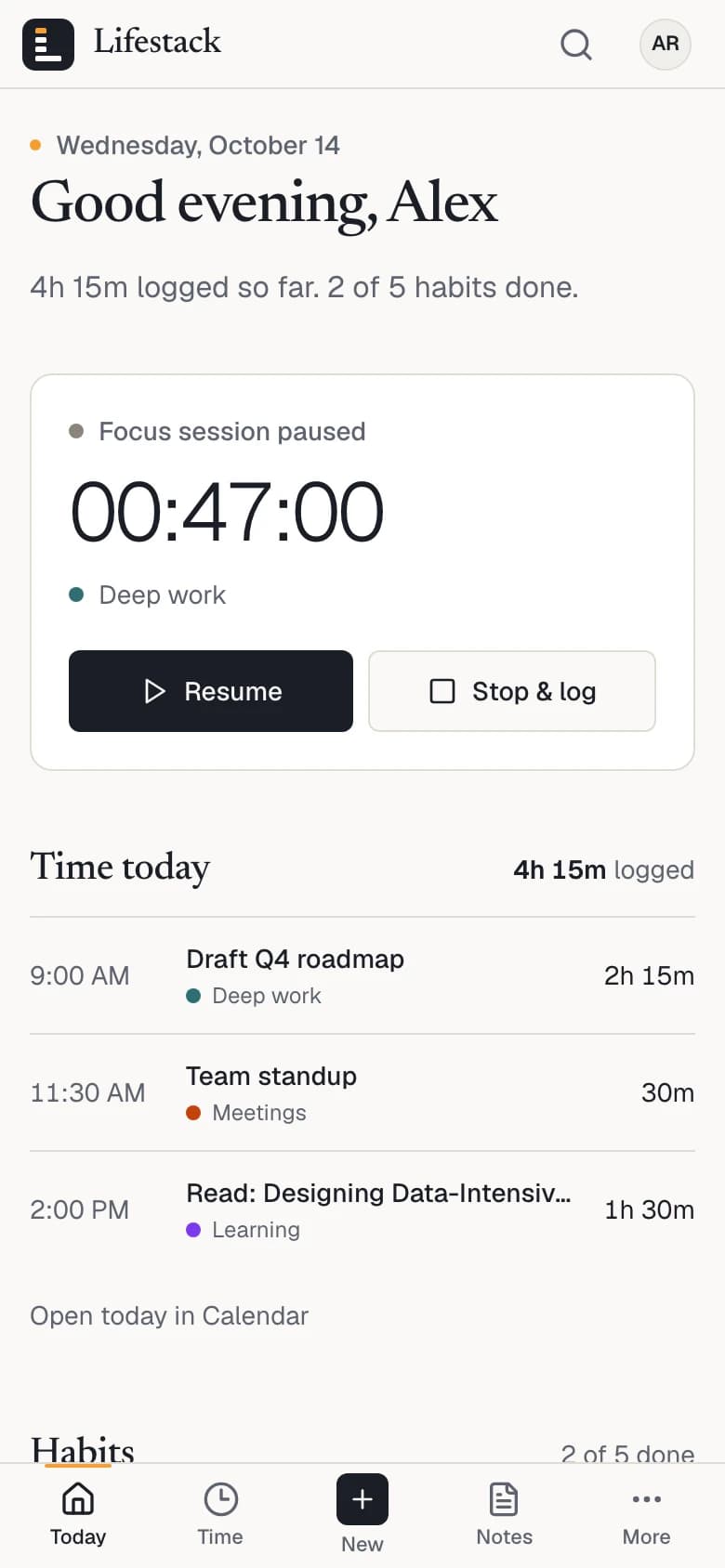
Today on a phone: the greeting, the paused focus session, the time logged today, and the tab bar with Today, Time, New, Notes and More.
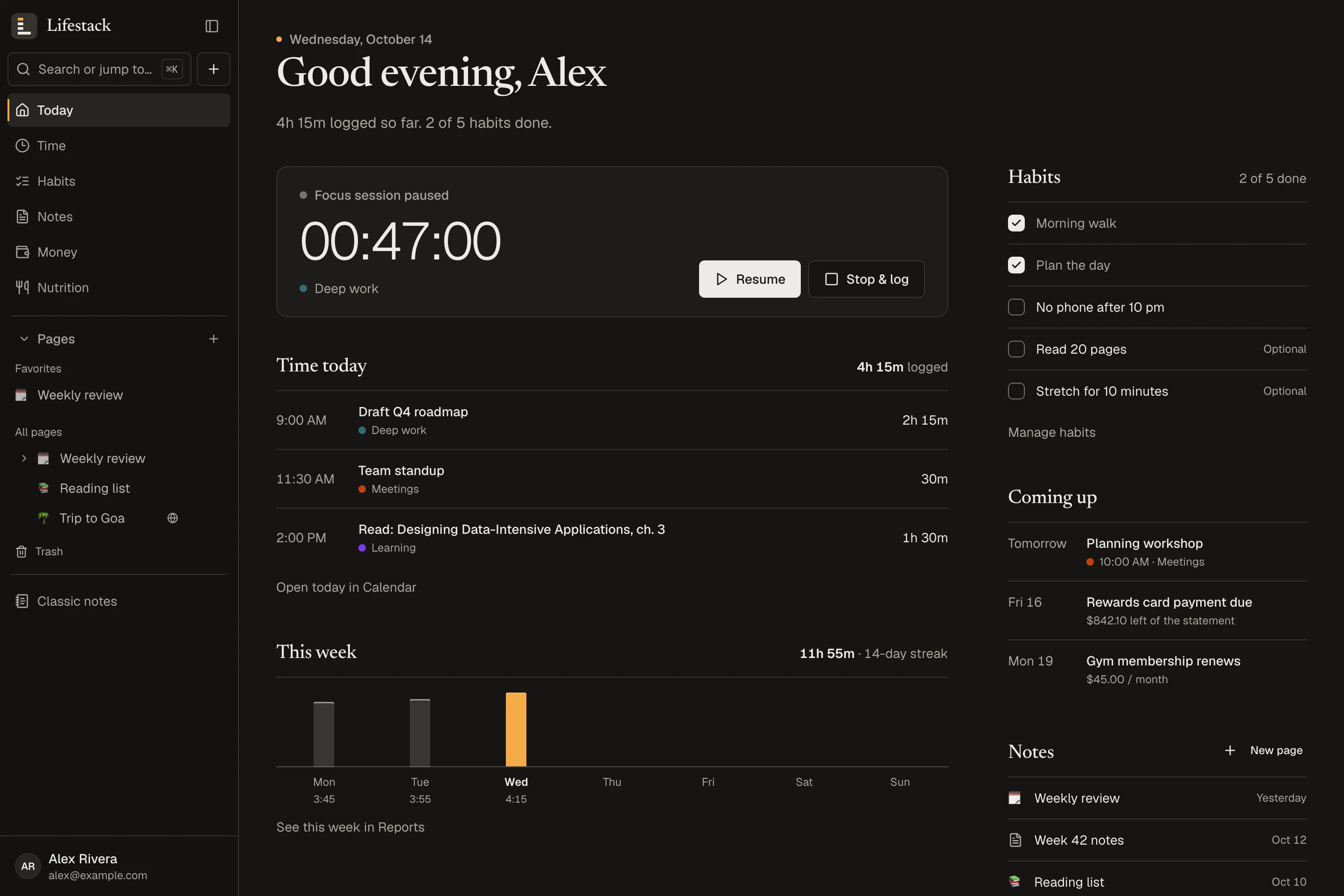
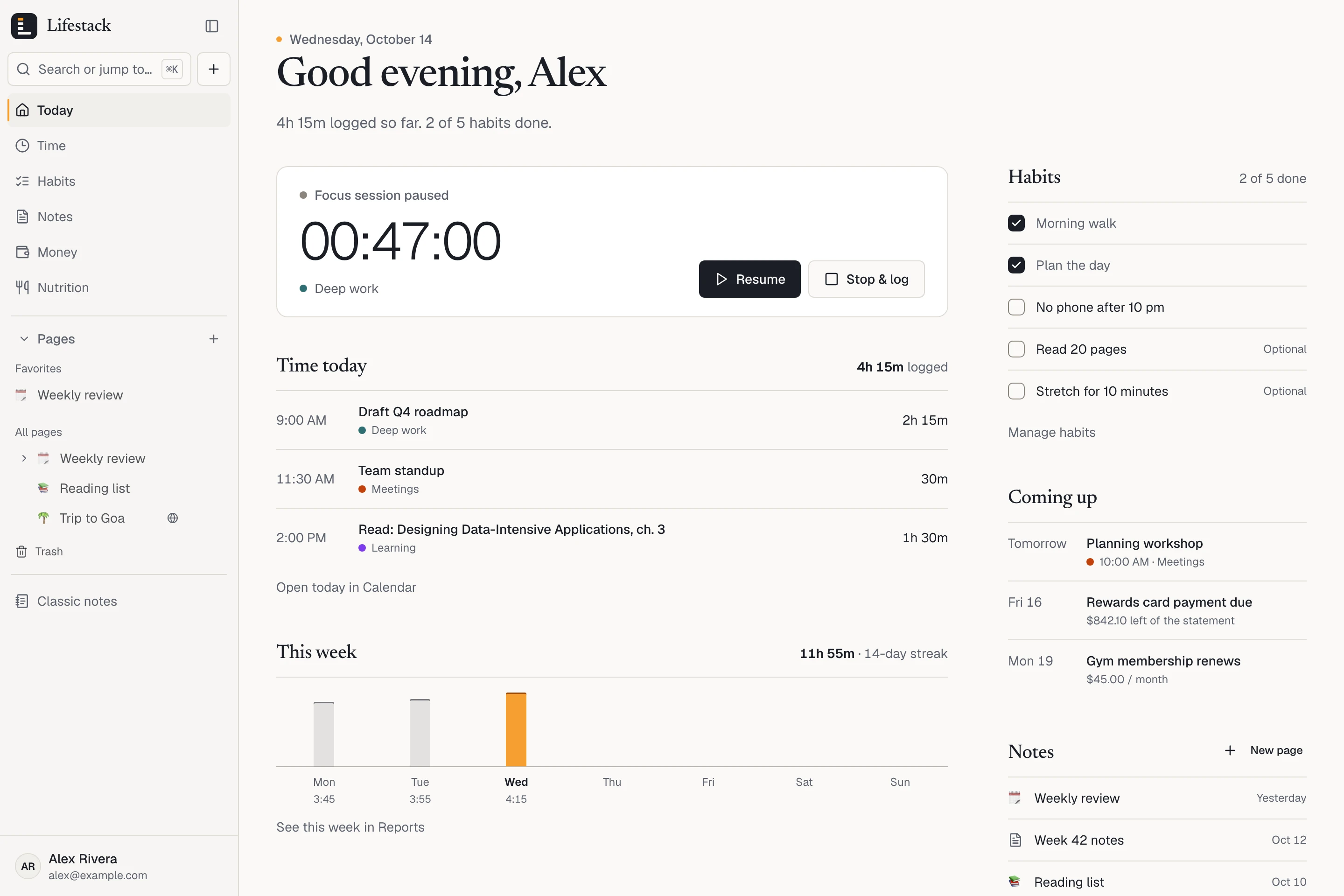
Today, the home screen, shown with example data: what’s running, the time logged, habits, what’s coming up and recent notes. On a phone, the same day fits one column.

Lifestack at a glance

Five parts of a life
Time, habits, notes, money and nutrition, each a complete tool, with Today on top.
Made for one person
No team, no feed, no followers. A page is public only when you publish it.
Phone and computer
A layout made for each screen, in the browser you already use. Nothing to install.
Plain numbers
Totals come only from what you record or import. No scores, no nudges, no advice.

One place, instead of five apps to keep tidy.

Hours usually go in a time tracker, habits in a streak app, ideas in a notes app, spending in a spreadsheet and meals in a calorie counter. Each one has to be opened and fed, and none of them can tell you how the day actually went.

In Lifestack each part is a complete tool on its own, and Today is where they meet. Every screen below is the real app, shown with example data.

Time

Know where the hours went.

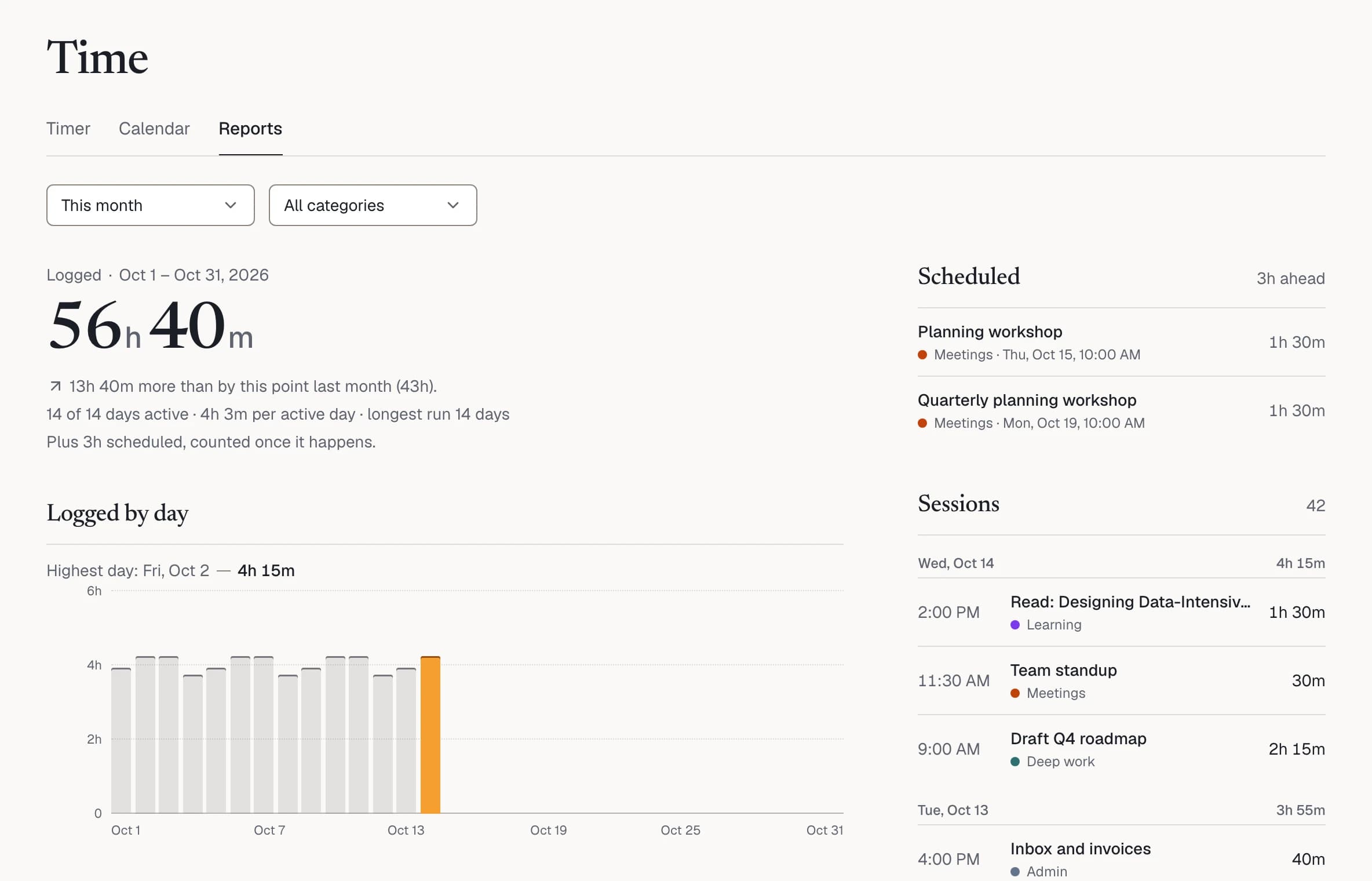
Start a focus session or log time you’ve already spent. Calendar keeps every block by day, week and month, and Reports show the pattern for any range.

  • The timer keeps going across tabs, refreshes and devices
  • Plan blocks ahead; they count once they happen
  • Your own categories, in your own colors
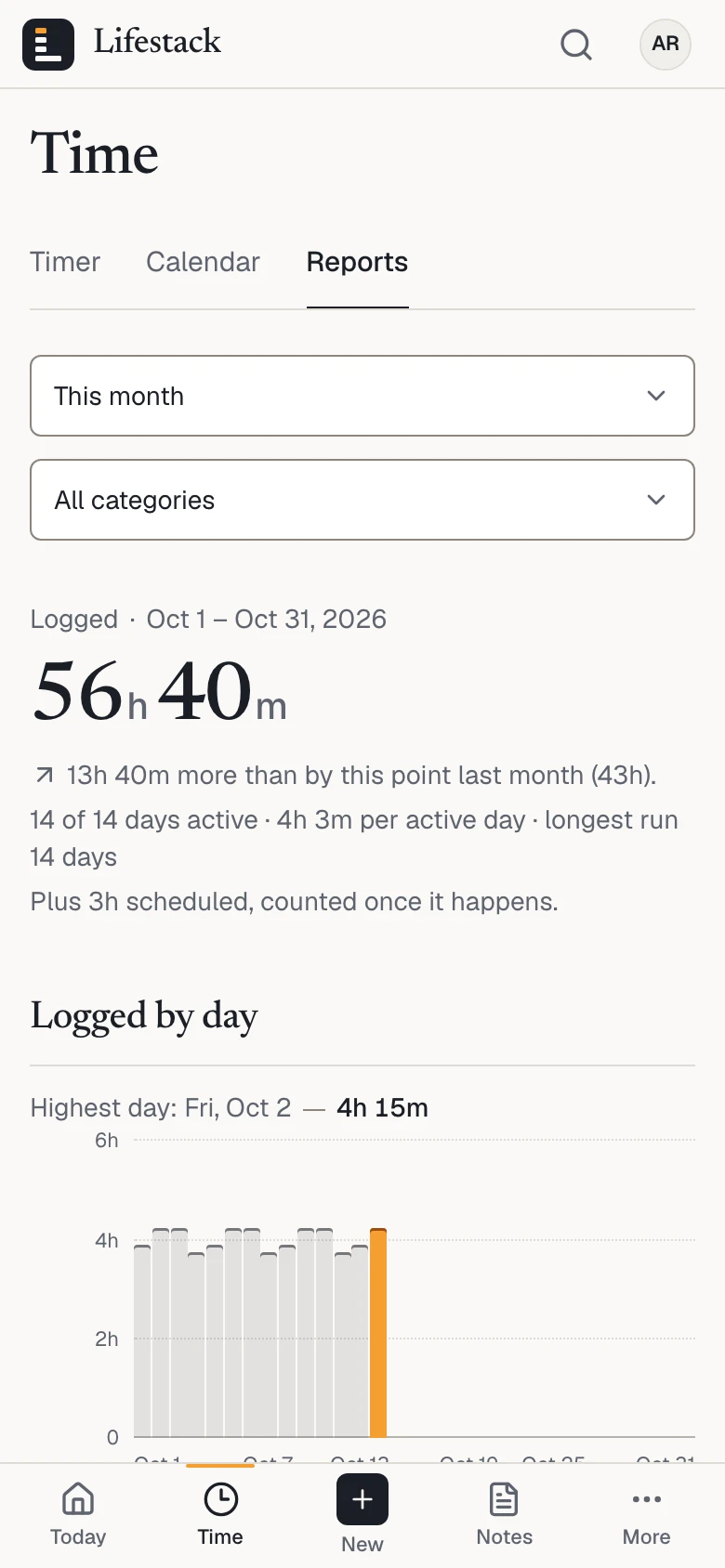
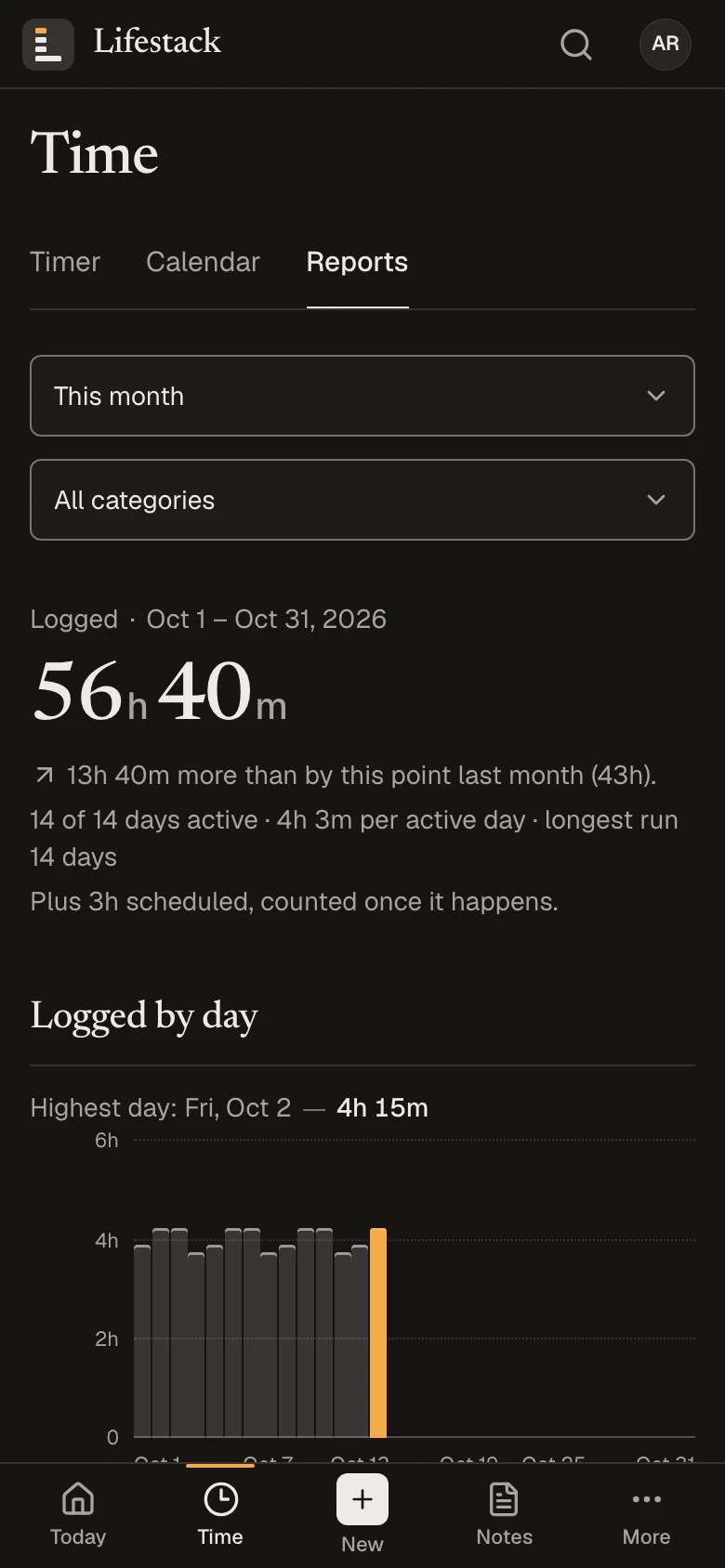
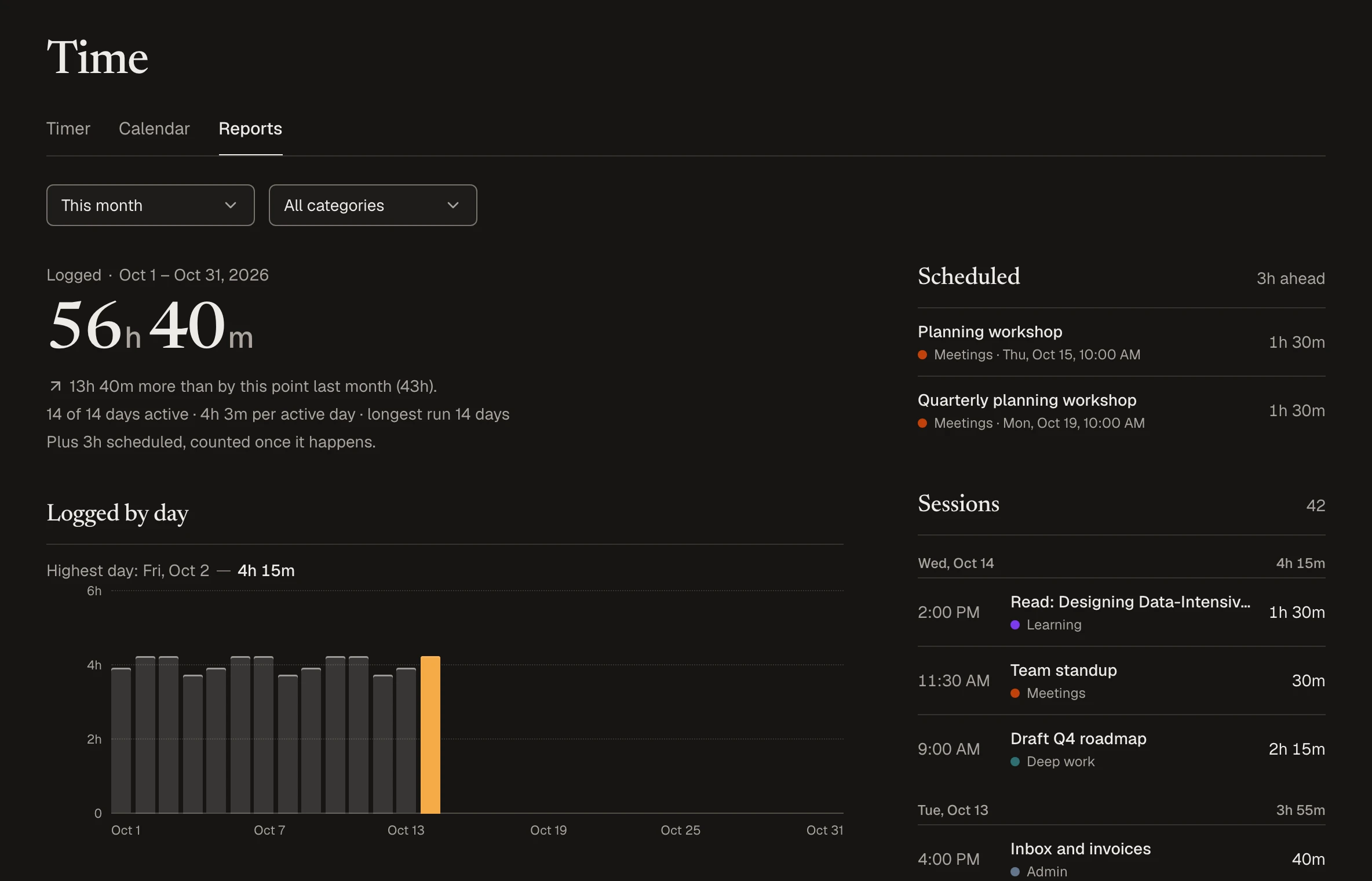
Time › Reports on a phone with example data: 56 hours 40 minutes logged this month, and a bar for each day.

Habits

Keep the few things you promised yourself.

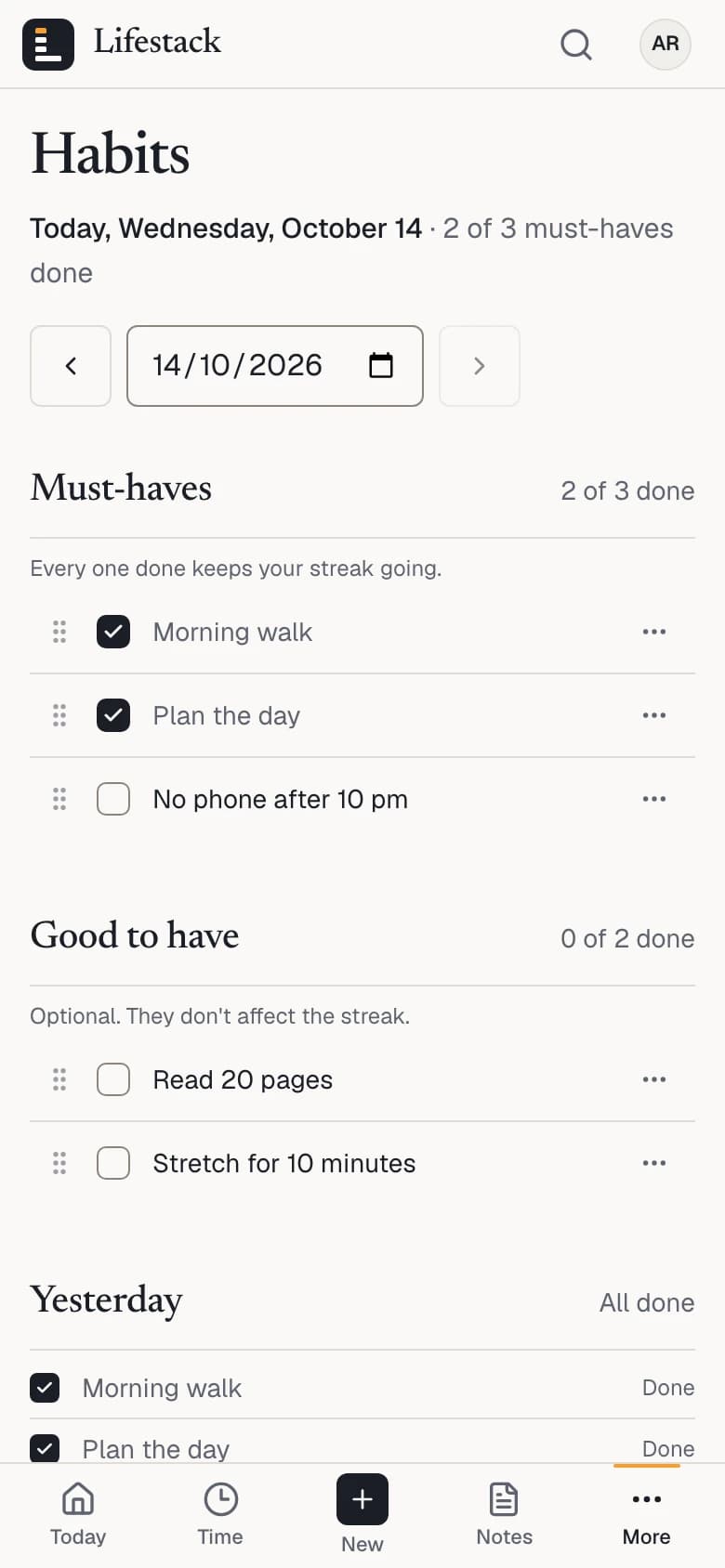
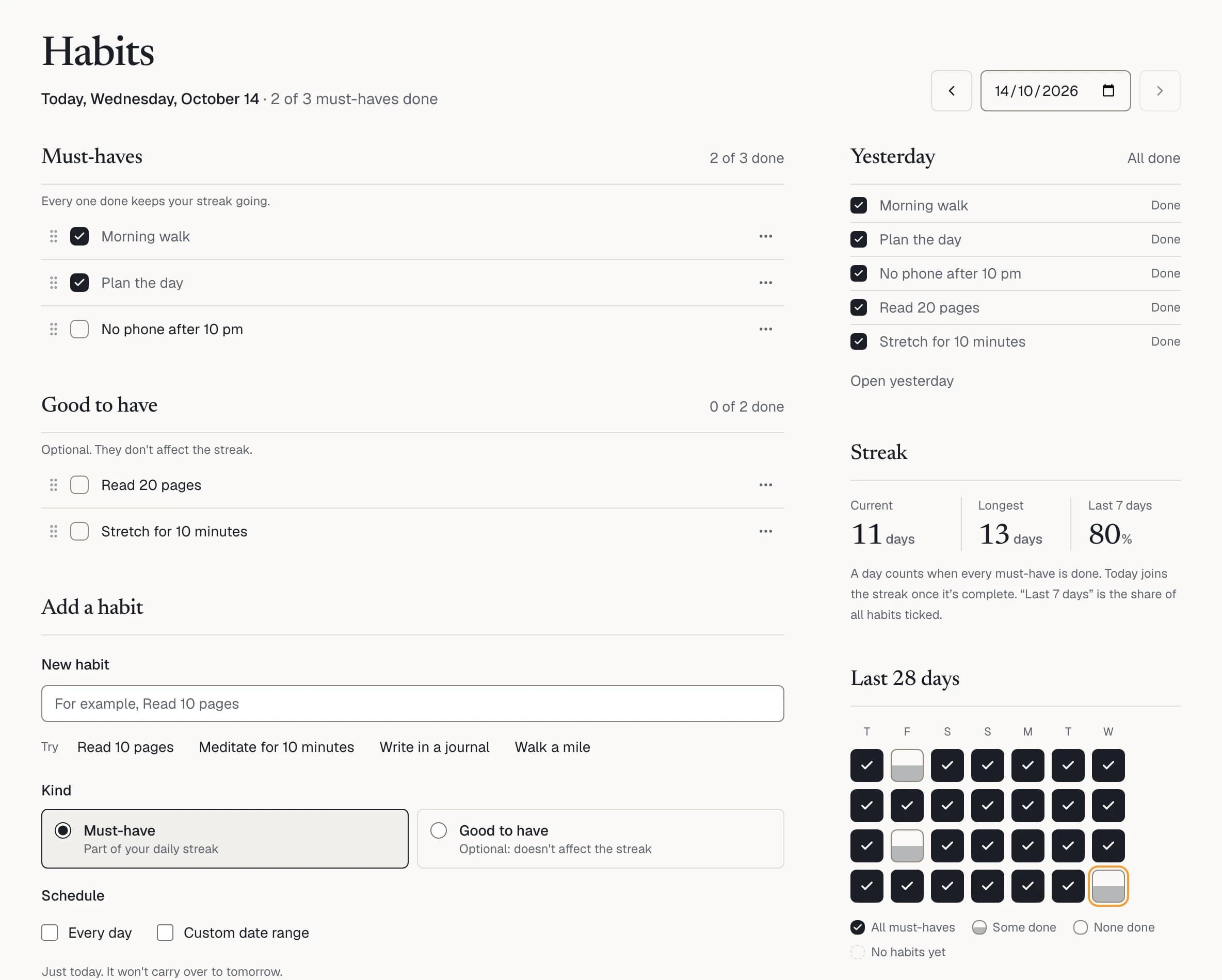
Must-haves make up your streak; good-to-haves never break it. A habit can run every day, over a stretch of dates or on a single day.

  • Your streak, longest run and the last 28 days
  • Tick habits here or straight from Today
  • Archive a habit and keep its history
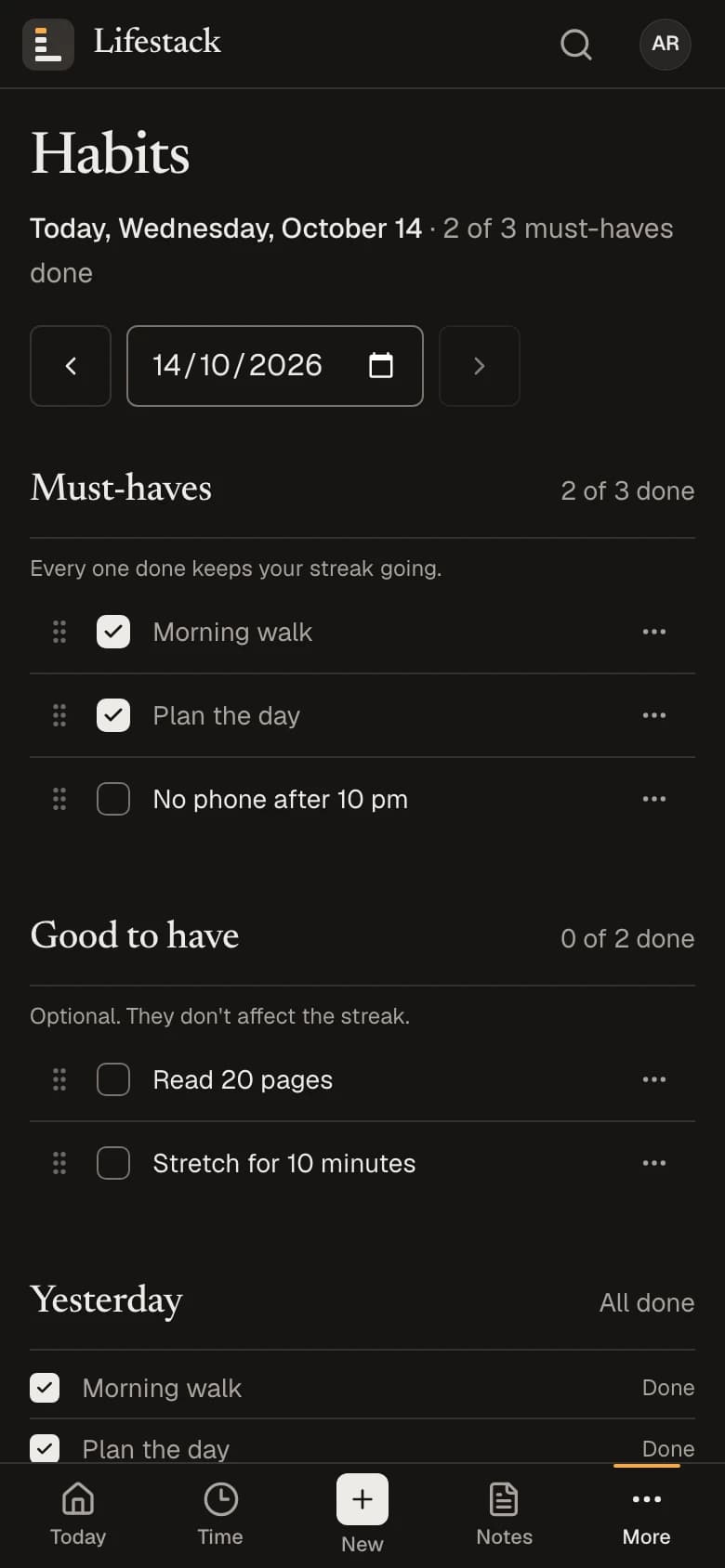
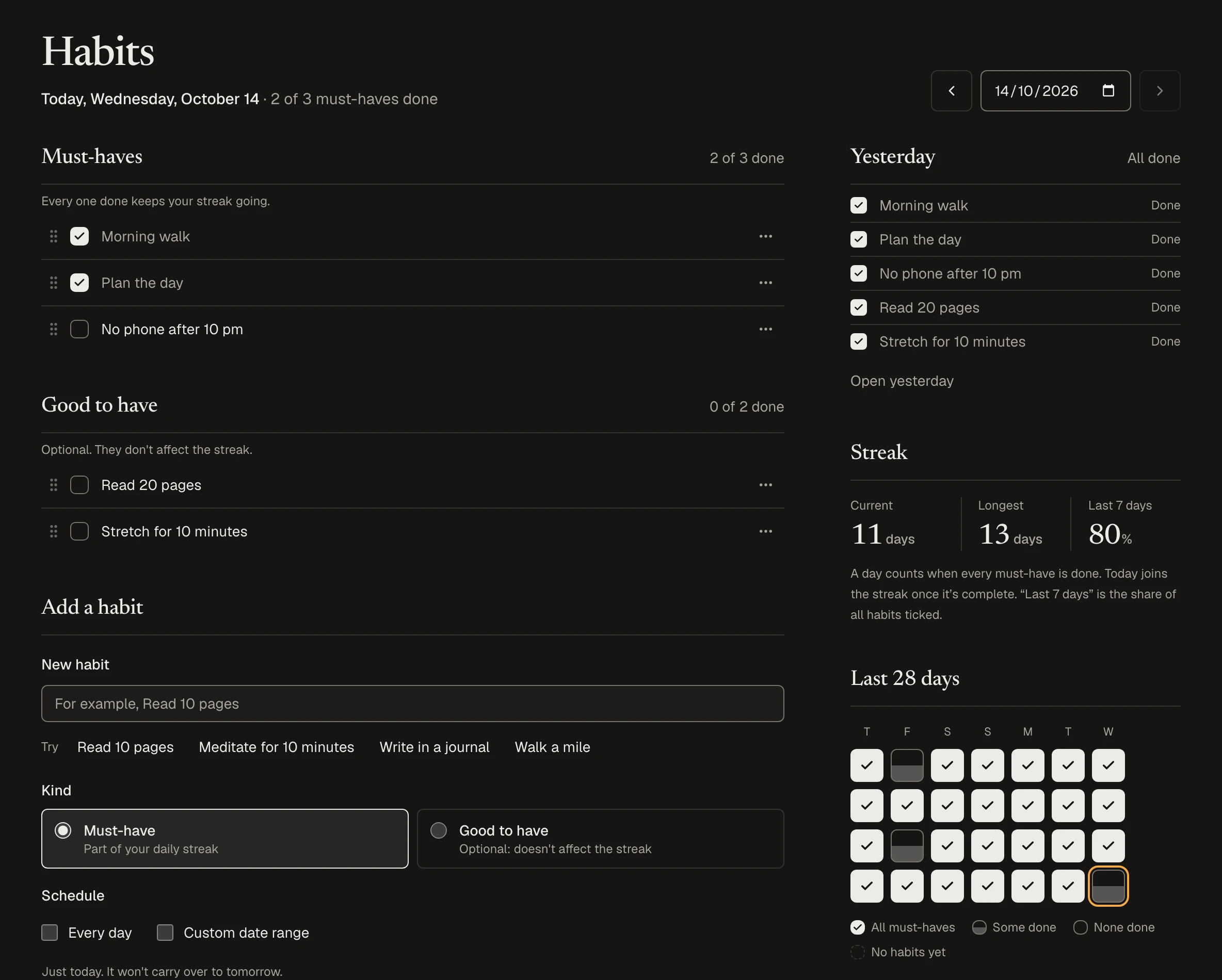
Habits on a phone with example data: two of three must-haves ticked today, two good-to-haves still open.

Notes

Write it down beside everything else.

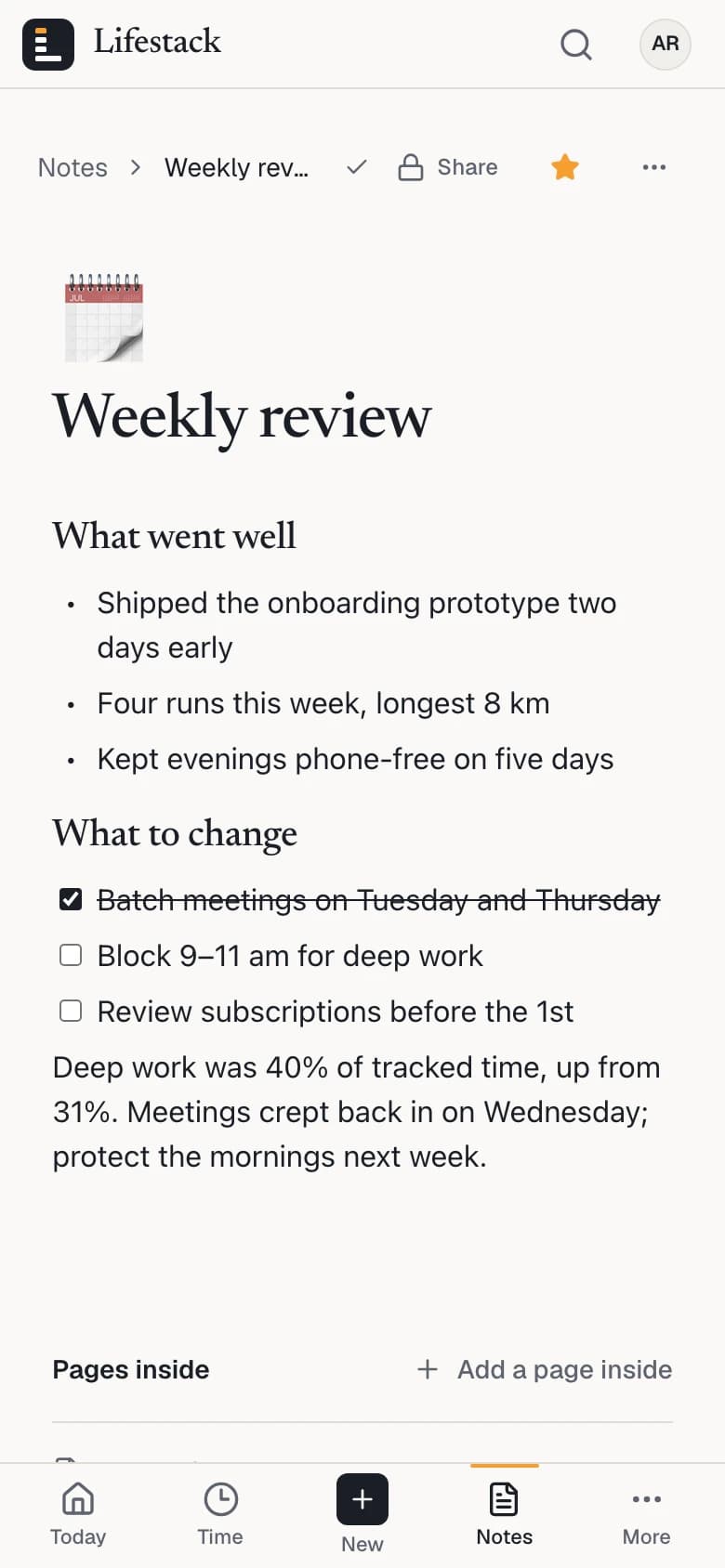
Pages with headings, lists, checklists and images, nested inside one another. Keep favorites close and find any page from search.

  • Pages inside pages, and a trash you can restore from
  • Publish a page with a link only when you choose to
  • Published pages ask search engines not to index them
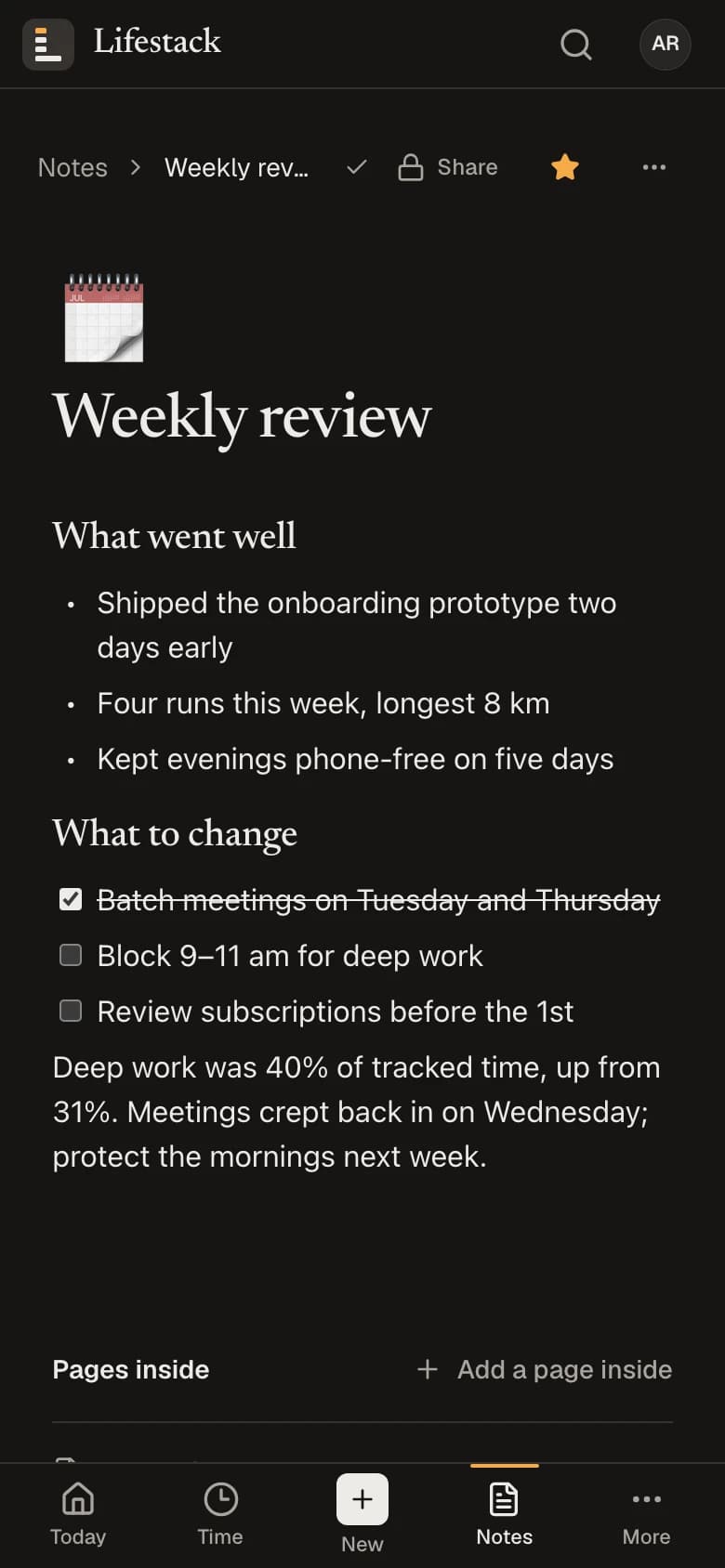
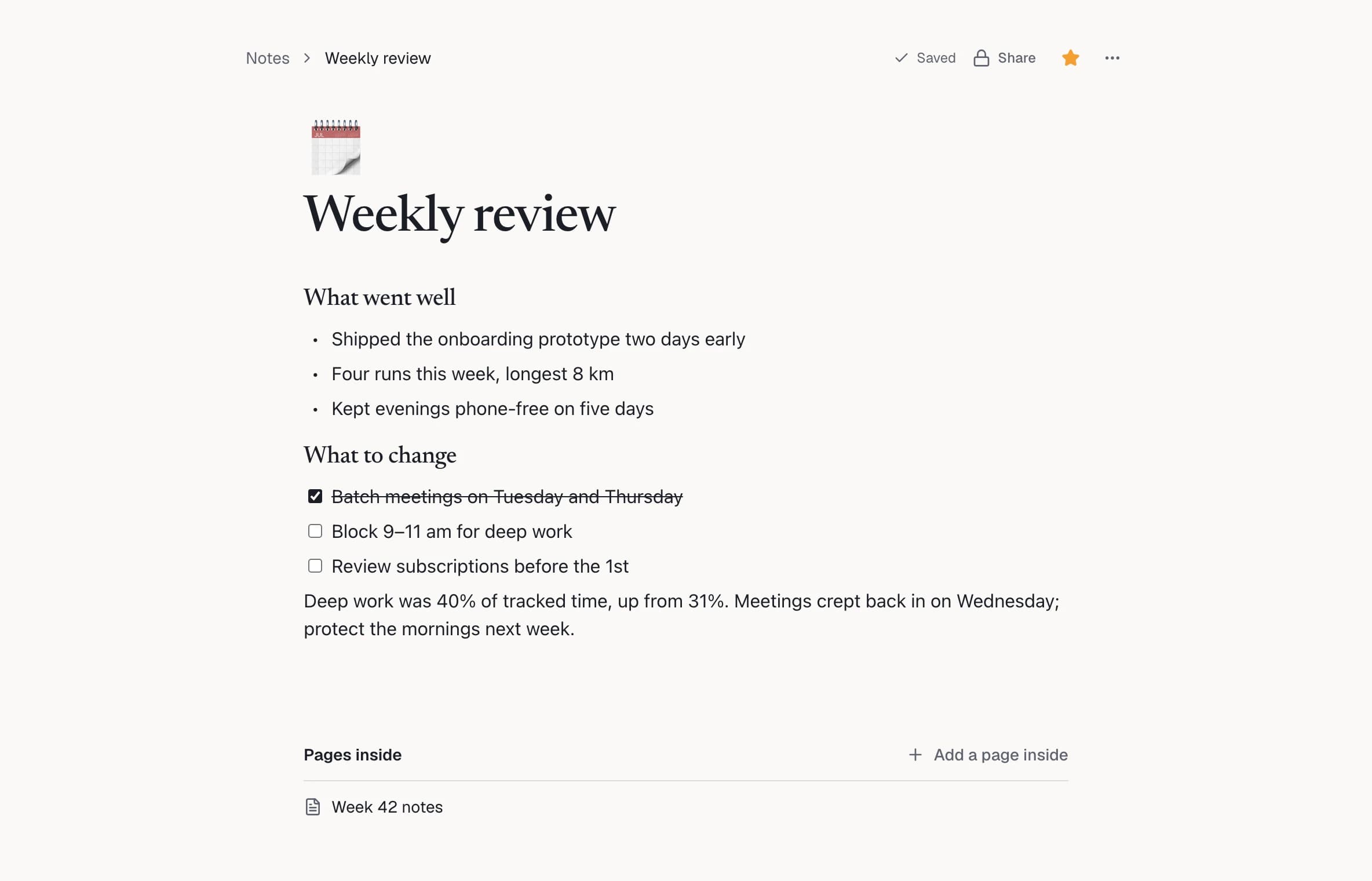
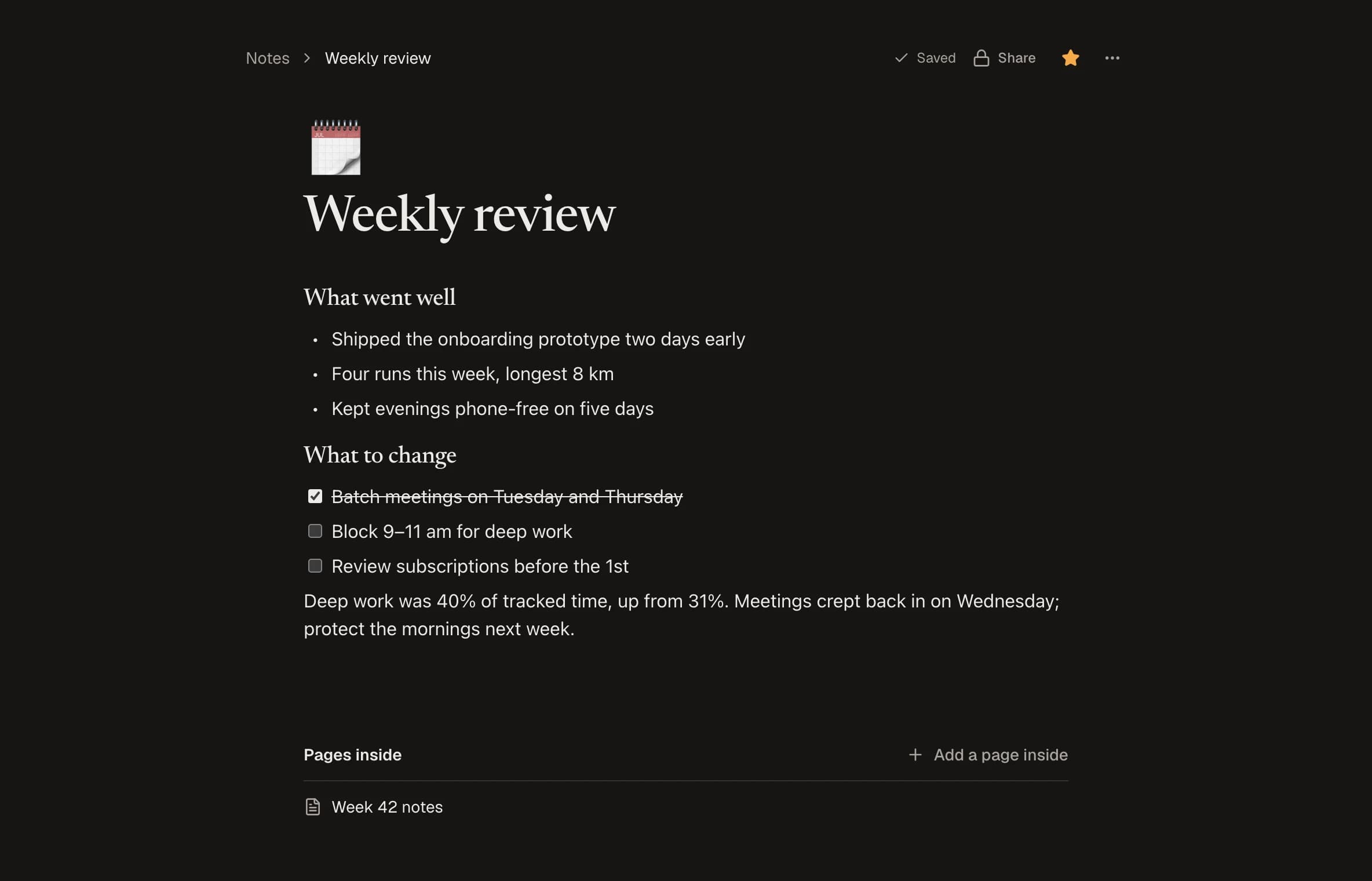
The Weekly review page on a phone, with headings, a bulleted list and a checklist.

Money

Your money, counted once.

Expenses, earnings, subscriptions, investments, loans and cards in one place, with your net worth on top. Paying a card bill or moving money between your own accounts is never counted as spending again.

  • Import statements as CSV or Excel, or a PDF for expenses, and review every row before it’s saved
  • Coming up: renewals, EMIs, card payments and expected income
  • No bank connection: nothing is pulled in, and nothing is guessed
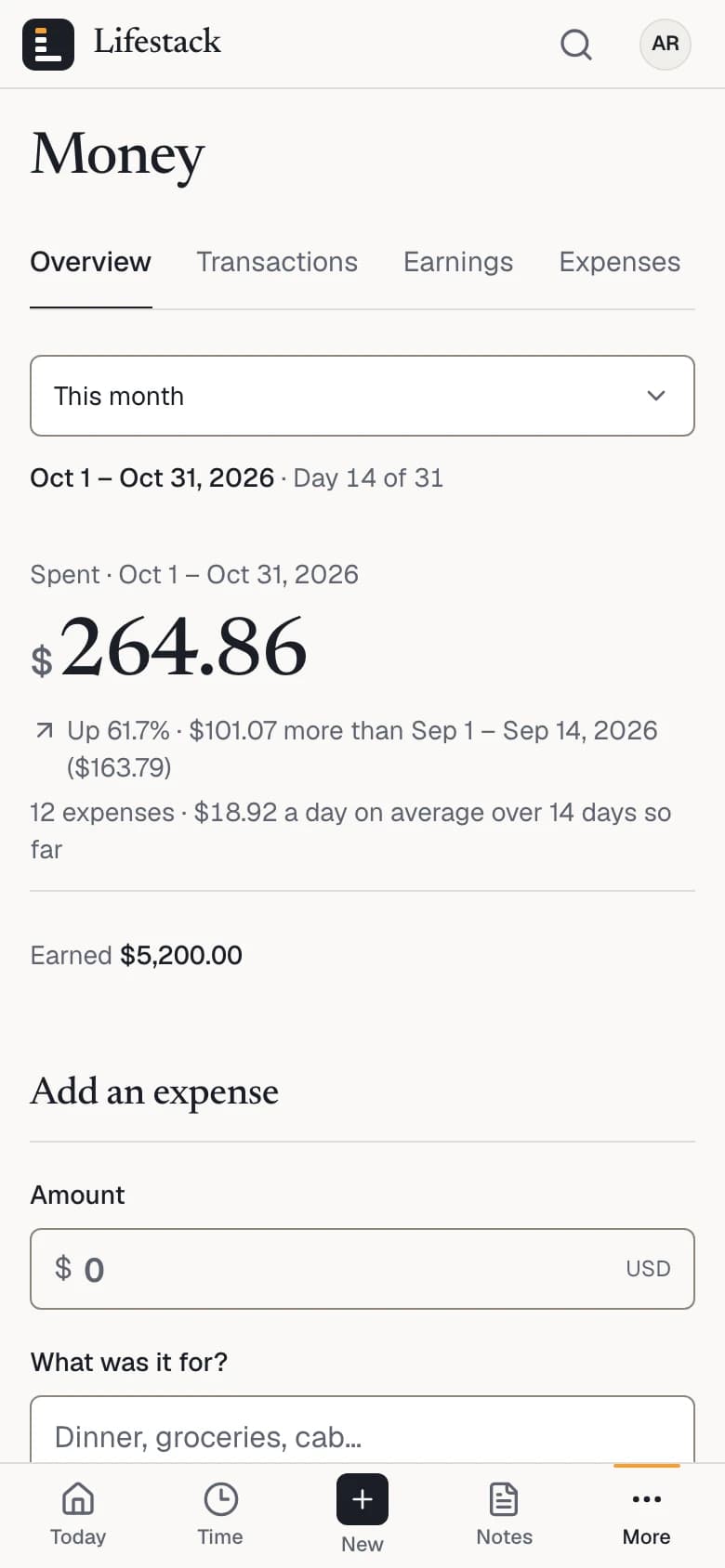
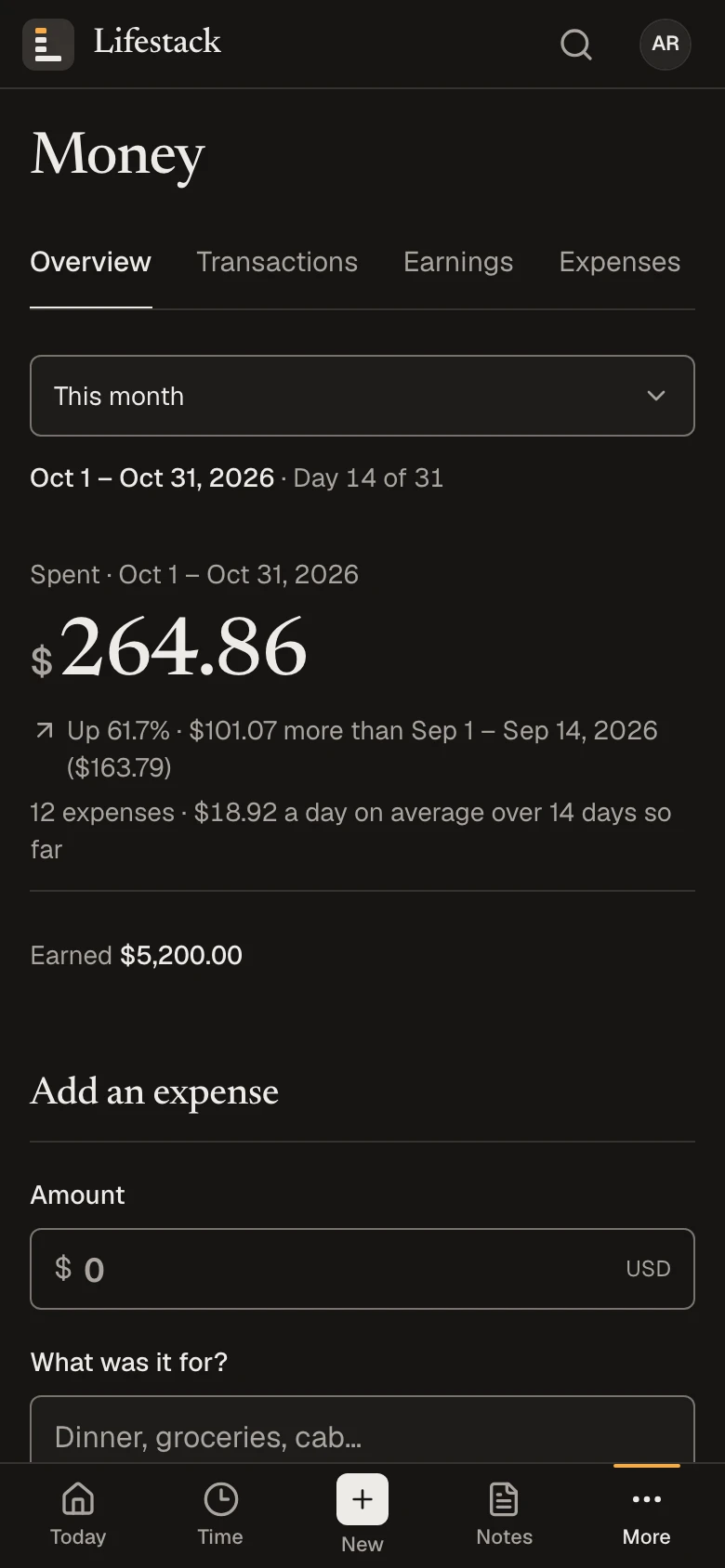
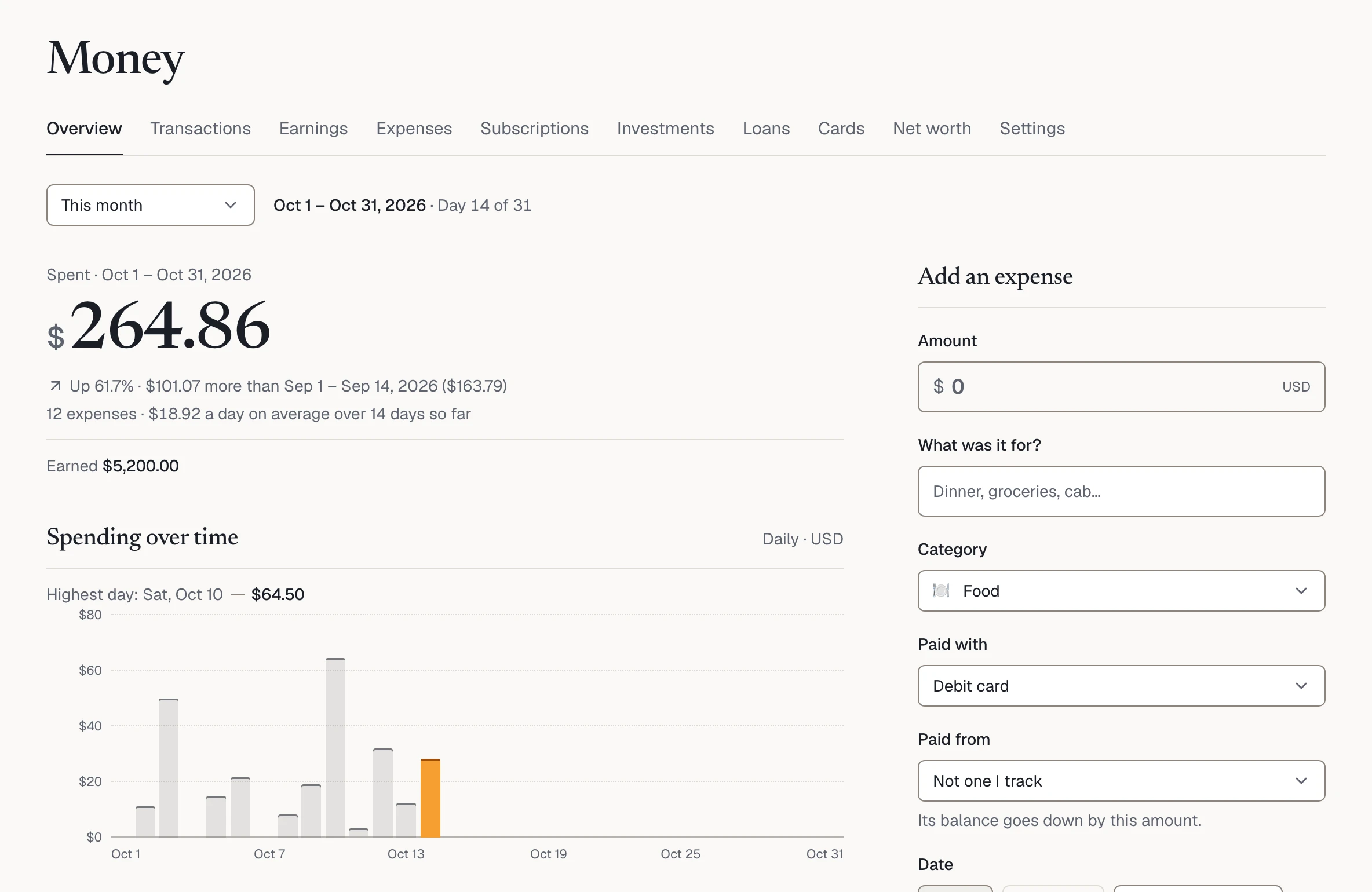
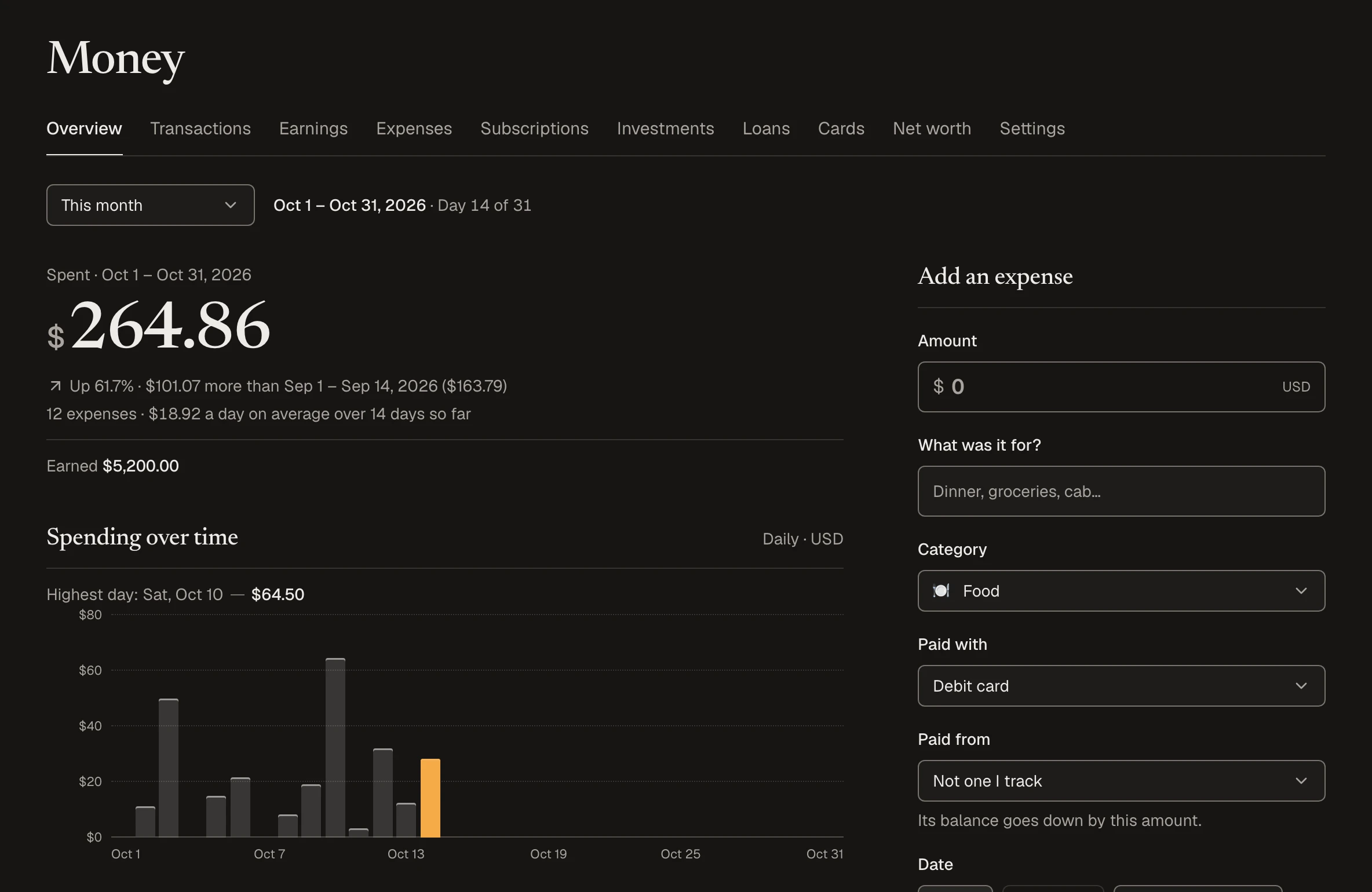
Money on a phone with example data: $264.86 spent and $5,200 earned this month, and the form to add an expense.

Nutrition

Meals against targets you can trace.

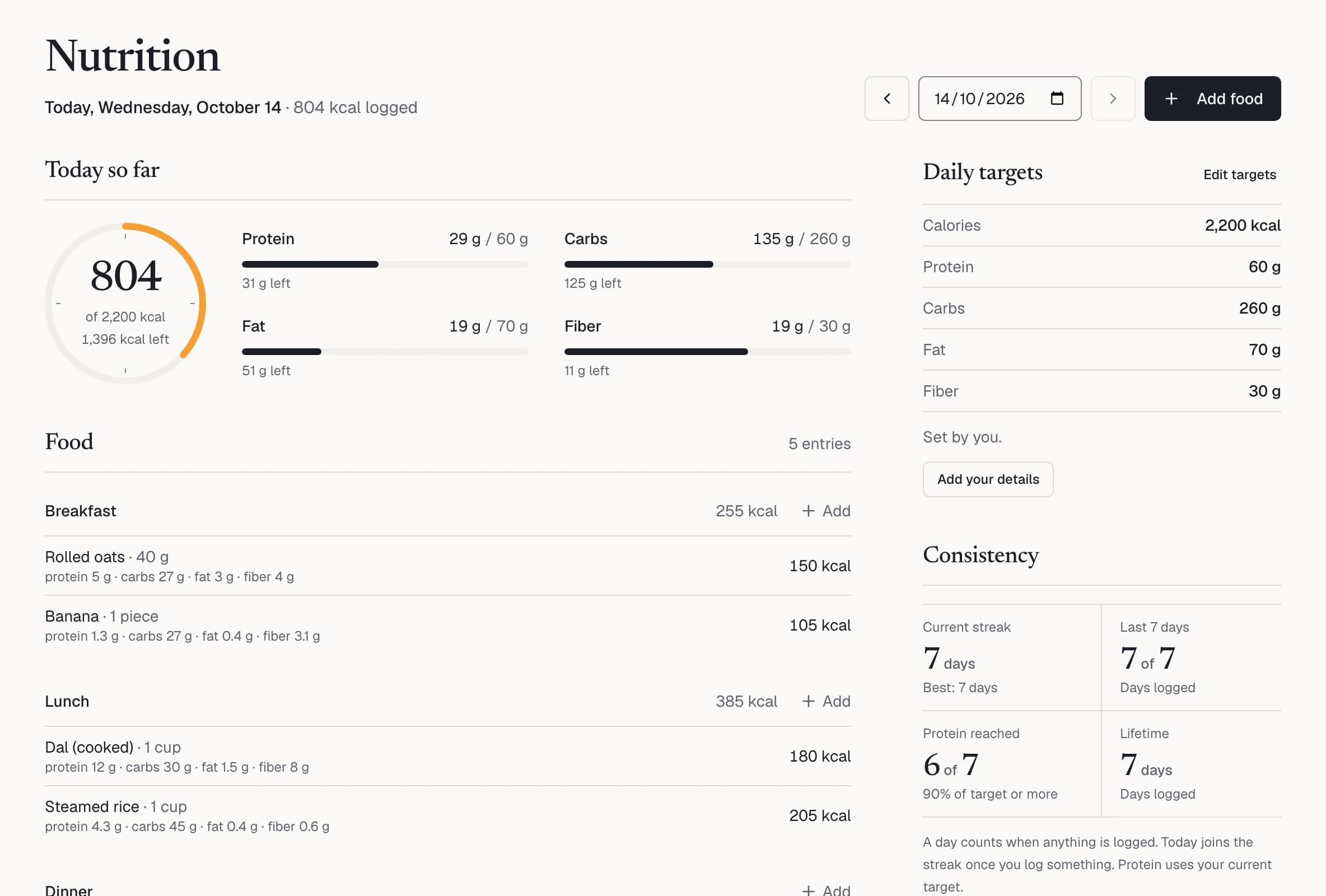
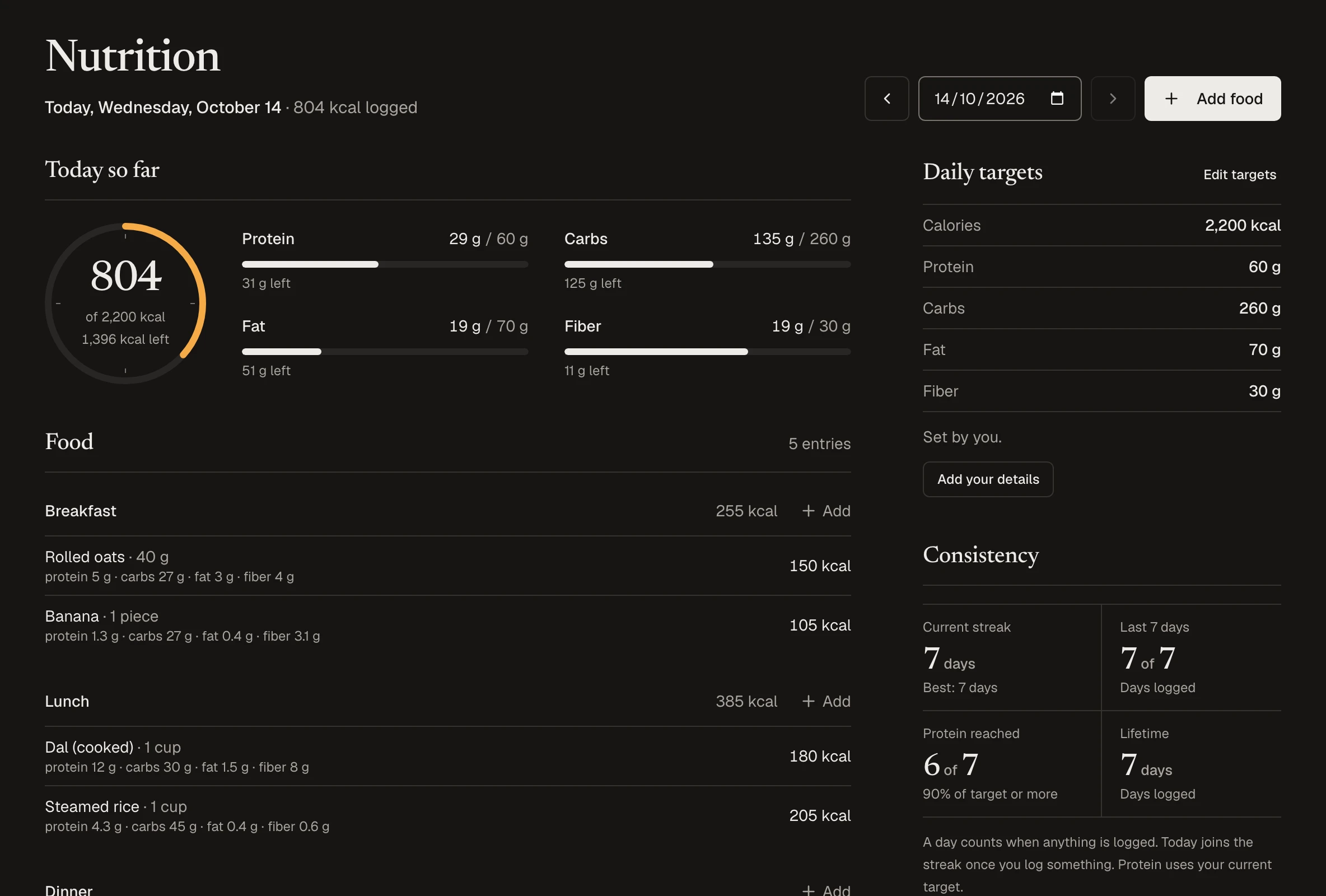
Log meals from your own foods or a built-in library, and see calories, protein, carbs, fat and fiber against your daily targets. Add your details and the estimate shows how it was worked out.

  • A built-in library of common foods
  • Every meal of the day, and what’s left
  • A logging streak and the last 28 days
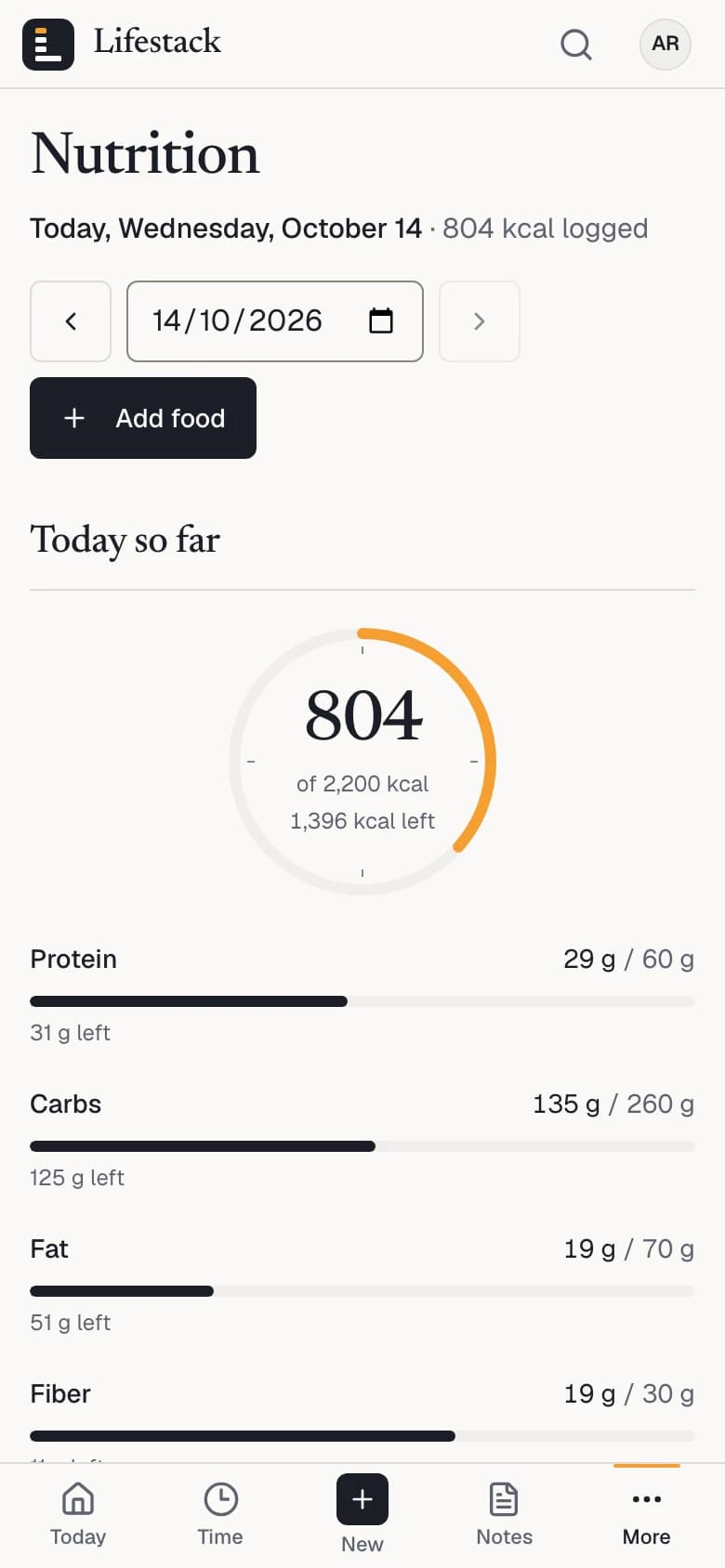
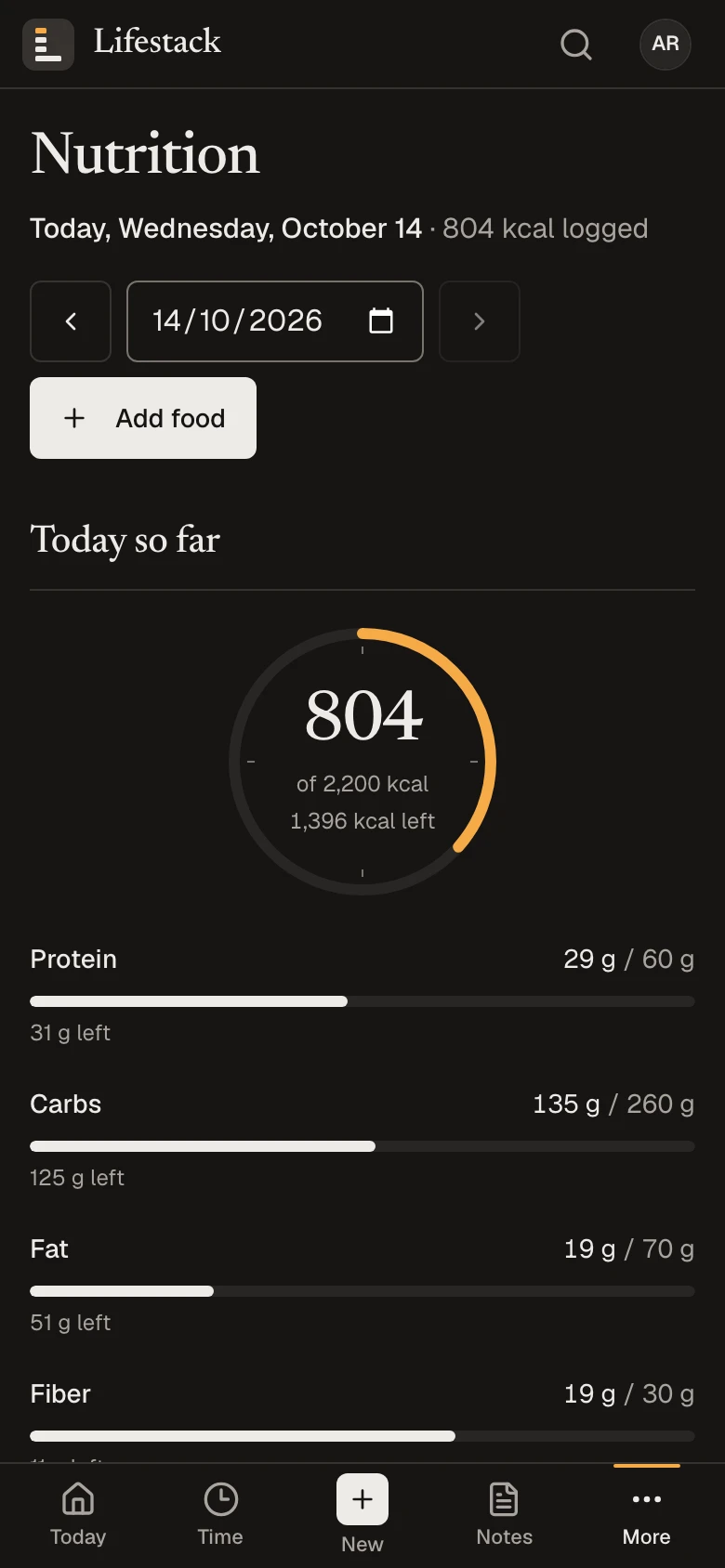
Nutrition on a phone with example data: 804 of 2,200 kcal, with protein, carbs, fat and fiber against daily targets.

Less to maintain. More to see.

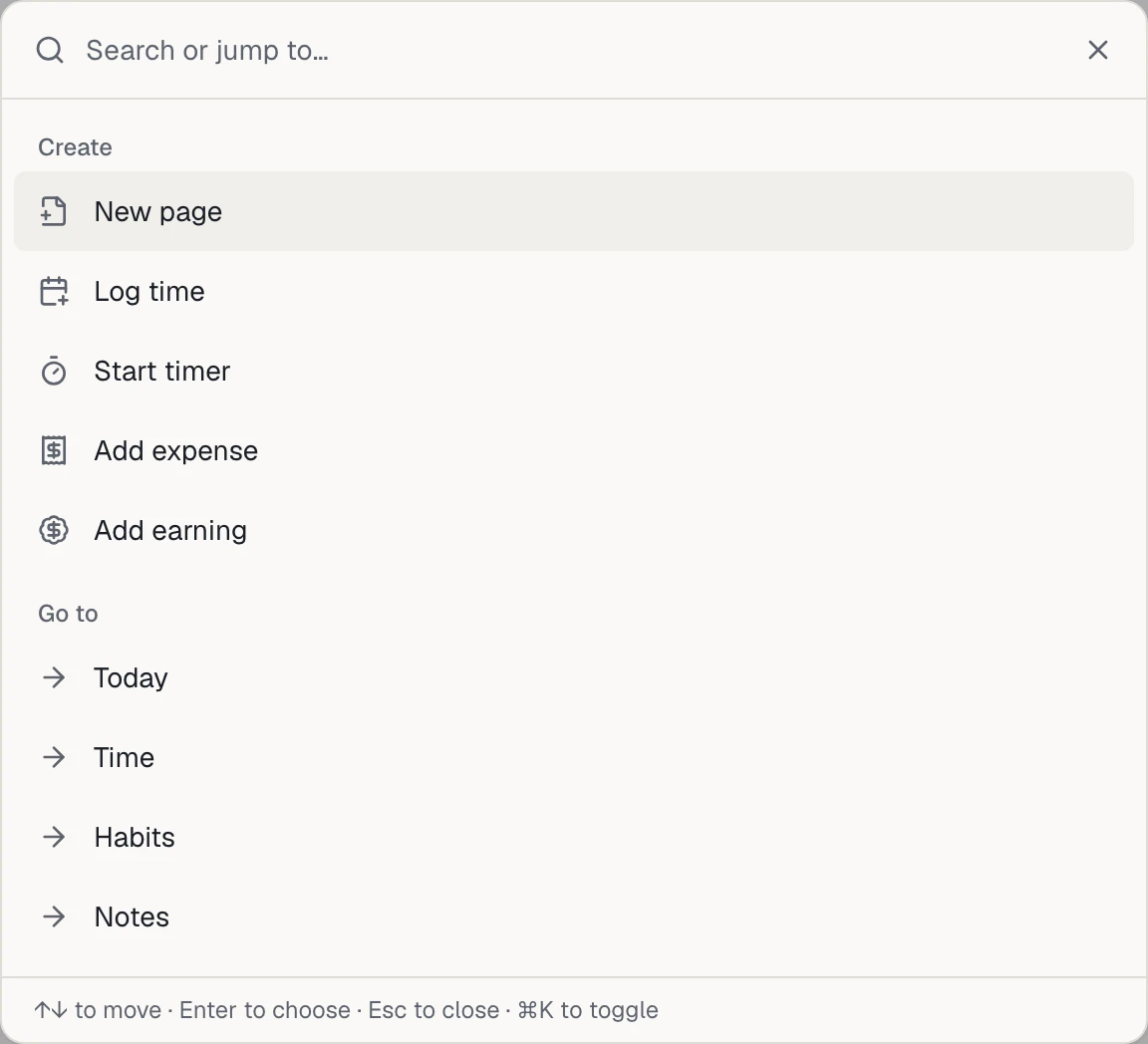
  • The command menu: search or jump to any part of Lifestack, or create a page, a time entry, an expense or an earning.

    Fewer apps to keep up

    One account, and one search that jumps to any part of Lifestack and finds your pages. From any screen, the New menu starts a page, a timer or a time entry, or adds an expense, earning, subscription, card, loan or investment.

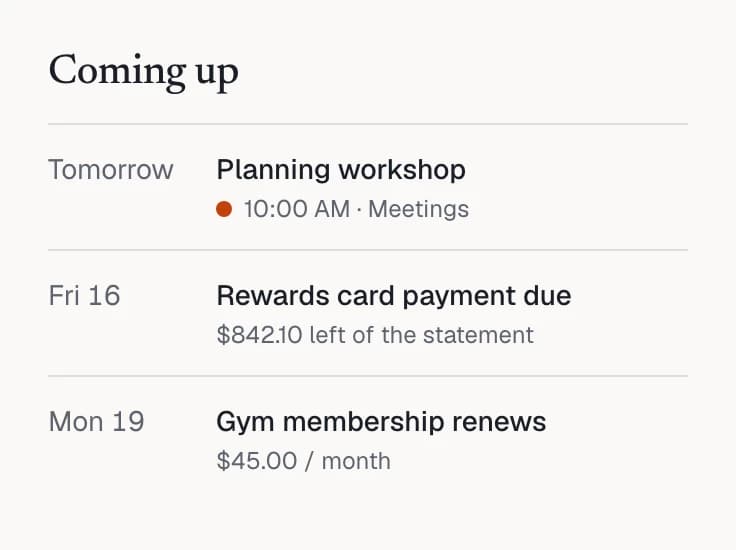
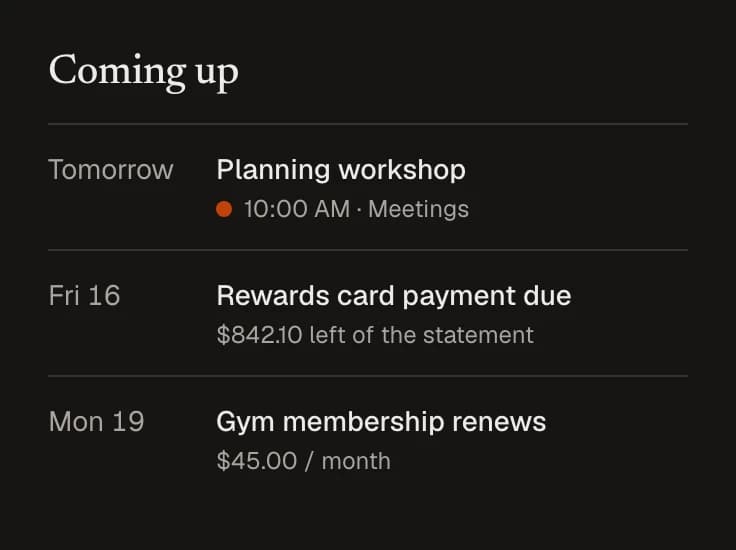
  • Coming up on Today: a planning workshop tomorrow, a card payment due Friday and a gym membership renewing on Monday.

    A clearer day

    Today gathers what’s running, what you’ve done and what’s due, from your time, habits, money and notes.

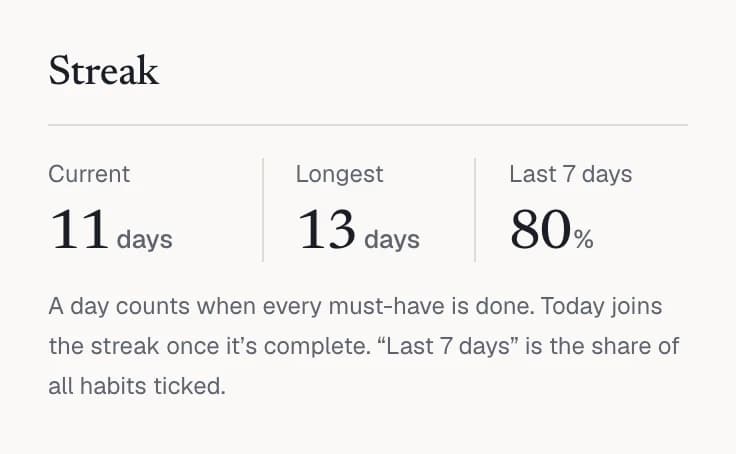
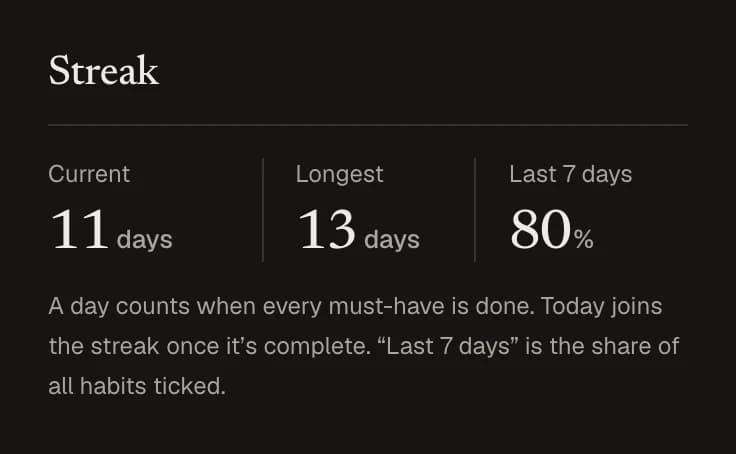
  • The habit streak: 11 days now, 13 at the longest, and 80% of habits ticked in the last 7 days.

    Routines you can see

    Each habit’s streak counts only the days it was due, and Today keeps count of the days you’ve tracked in a row.

For people who like to keep track.

Lifestack suits anyone who wants their days on the record without running a system to keep them there. Three examples:

  • Working for yourself

    Hours by client or project, what came in, and the notes that go with them.

    An example day

    1. 9:00Start the timer on a client project
    2. 13:15Log lunch against your targets
    3. 17:40Record a client payment as an earning
    4. 21:00Write the week’s review in Notes
  • Building a routine

    A few habits that matter, meals that add up, and a streak worth keeping.

    An example day

    1. 6:45Tick “Morning walk” on Today
    2. 8:10Log breakfast from the food library
    3. 12:30Plan the afternoon’s focus blocks in Calendar
    4. 22:00Tick “No phone after 10 pm” and keep the streak
  • Getting money in order

    Accounts, cards and loans in one place, with nothing counted twice.

    An example month

    1. 1stImport last month’s bank statement and match its rows
    2. 5thRecord the salary that came in and this month’s investment
    3. 14thSee Friday’s card payment in Coming up on Today
    4. 30thUpdate your balances and look at your net worth

A notebook, a ledger and a day planner, kept in one place.

The record of a life is hours, money, words and habits. They belong together, and keeping them together should feel calm: one accent color for what’s happening now, numbers set plainly, and nothing competing for your attention.

Lifestack is young and grows carefully. Everything on this page is in the app today. It doesn’t connect to banks or calendars, there’s no AI coach and no social feed, and a new part of life is added only when it can be done properly.

Questions, answered plainly.

What Lifestack does today, what it doesn’t, how to start and what it costs.

What is Lifestack?

A personal app for keeping track of your time, habits, notes, money and nutrition in one place. Each part is a complete tool on its own, and the Today page brings what matters today onto one screen.

Who is it for?

One person keeping their own record: people with demanding work, people who work for themselves, people building routines, and anyone who wants their spending and meals beside their hours. It isn’t a team workspace.

What can I keep track of?
  • Time: a timer, a calendar of logged and planned time, and reports.
  • Habits: must-haves and good-to-haves, with a streak and the last 28 days.
  • Notes: pages inside pages, with images, favorites and optional public links.
  • Money: expenses, earnings, subscriptions, bank statements, investments, loans, credit cards and net worth.
  • Nutrition: meals against daily calorie and nutrient targets, with a built-in food library.
How do I get started?

There’s no setup project and no system to design first. A new account comes with time categories, a library of common foods and habit ideas to pick from, and Today lists your first steps until you’ve taken them or put them away.

From then on you record things as they happen: start a timer or log time you’ve already spent, tick a habit, write a page, add an expense or import a bank statement, log a meal. Search (Ctrl K, or ⌘K on a Mac; the search button on a phone) jumps to any part of Lifestack and finds your pages. The New menu starts a page, a timer or a time entry, or adds a money record such as an expense or earning; habits are ticked on Today or in Habits, and meals are logged in Nutrition. Today shows the day; Reports, streaks, spending by category and your net worth show how the weeks add up.
Does it connect to my bank, calendar or other apps?

No. Nothing is pulled in from banks, card issuers, brokers or calendars. You record things yourself, or import a statement: bank statements as CSV or Excel, and expenses as CSV, Excel or a PDF with selectable text. Every row is shown to you before anything is saved.

To read a PDF, its text is sent to Google Gemini to find the transactions, with card and account numbers masked where they’re recognized. The file itself isn’t stored, and the import page says all this before you choose a file.

Can I use it on my phone?

Yes. Lifestack runs in the browser on phones, tablets and computers, with a layout made for each, including a tab bar on phones. There’s nothing to install, and you can add it to your home screen.

Is Lifestack free?

There’s nothing to pay to use Lifestack today, and signing up doesn’t ask for payment details.

Who can see what I record?

Only you, unless you choose to share. Lifestack has no feed or followers. Friends is optional: being friends shares only your name, @handle and photo, and goals, messages and pages reach people only when you share them. A page becomes public only if you publish it, you can unpublish it at any time, and published pages ask search engines not to index them.

How do I sign up?

Create an account with your email address and a password, then confirm your email from the message Lifestack sends you. If the sign-up page offers Google or GitHub, you can use one of those instead.

Put your whole day on one page.

Your workspace is ready the first time you sign in: time categories, a library of common foods, and first steps on Today.